Updating License File
When you receive a new license that may have changes such as the number of users, expiry date or the number of materials that are available for your version of Corrosion Djinn then you will need to update your existing license.
Below are the steps for making this update.
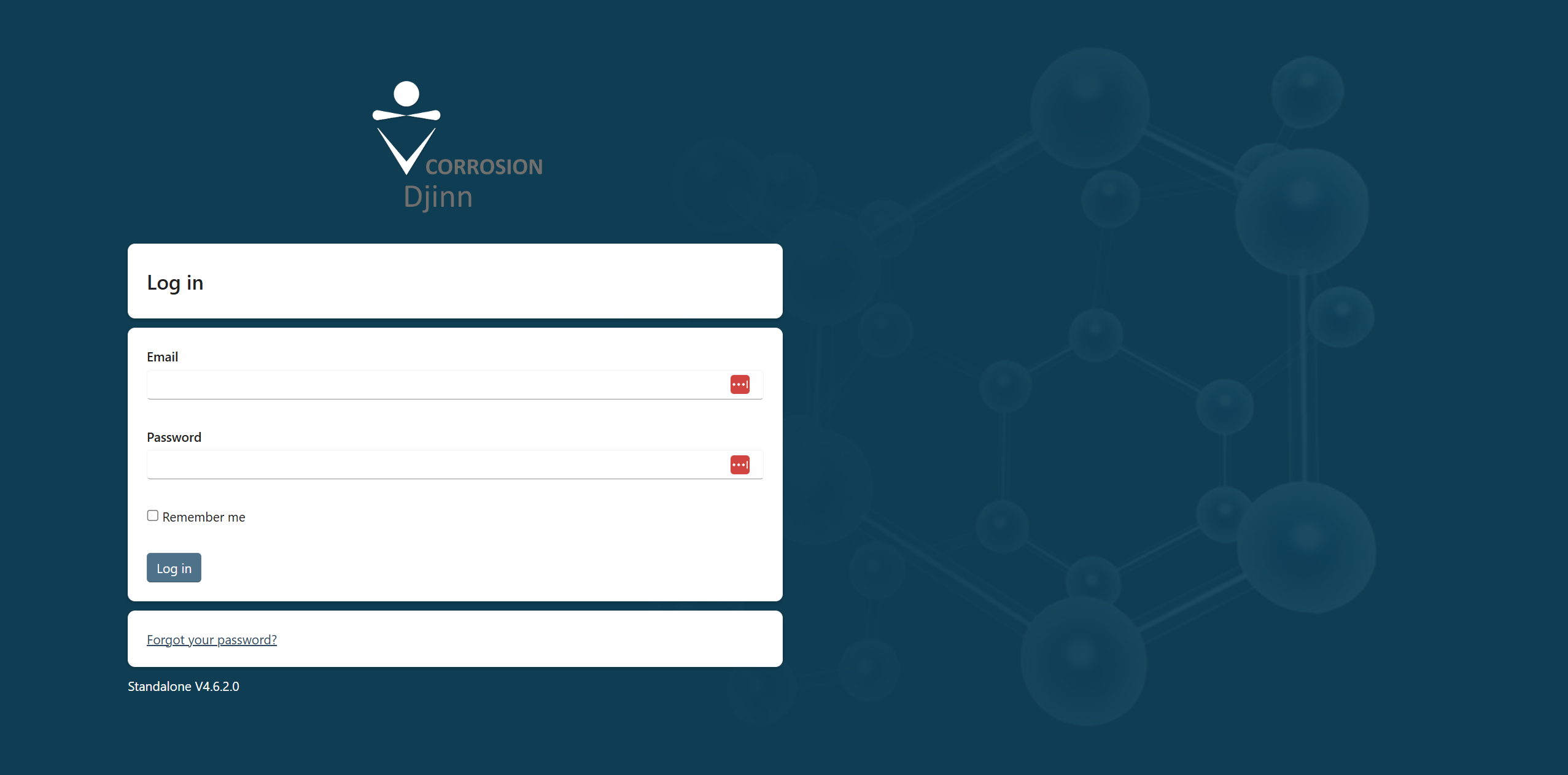
Login as an Administrator
- Access Corrosion Djinn and login with an administrator account.
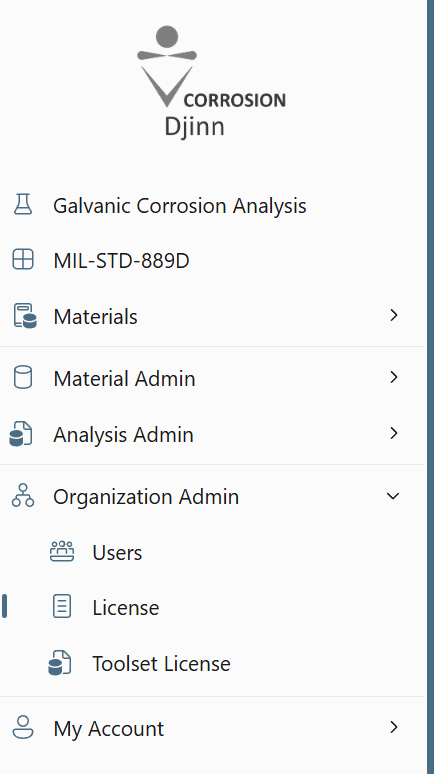
You can confirm you're logged in as the Administrator if you see any of the following menu options; Material Admin, Analysis Admin, Organization Admin.
Delete the existing license
- Navigate to Organization Admin -> License
- Delete the existing license.

Upload the new license
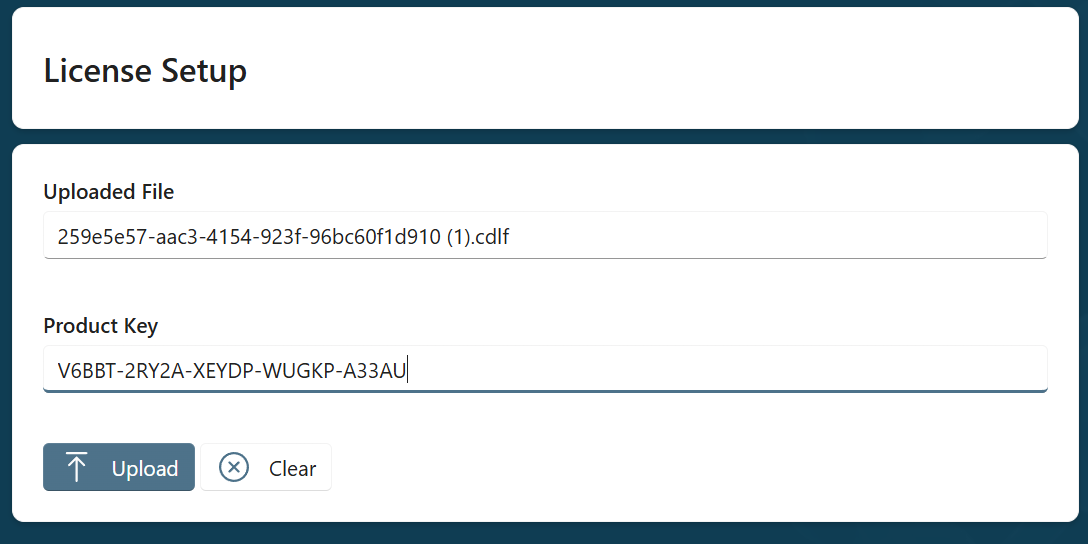
- After deleting the license you will be redirected to the license setup page where you will need to upload your new license and product key.
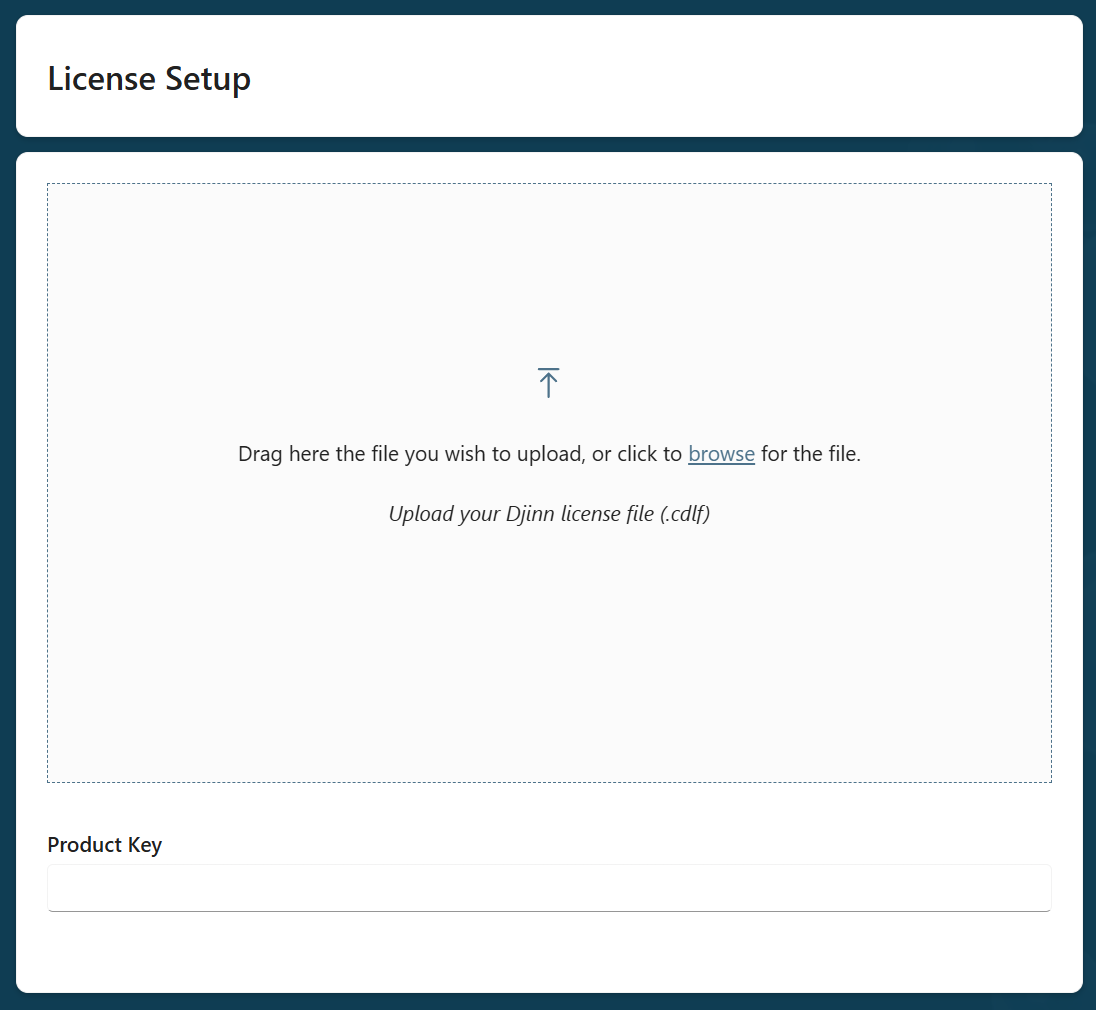
After updating the details you can click Upload to setup the new license. After this you will be redirected to the login page once again.